Introduction
Controlling a 3D visualisation of your plant uses your touch screen.Basics
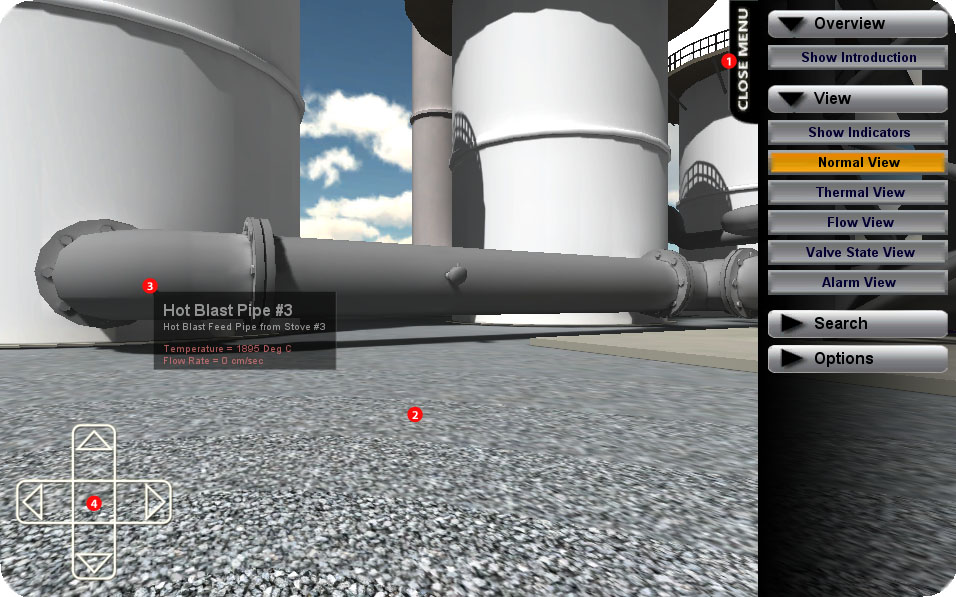
To open the main menu, touch the 'Open Menu' button (1) in the upper-right hand corner of the screen.
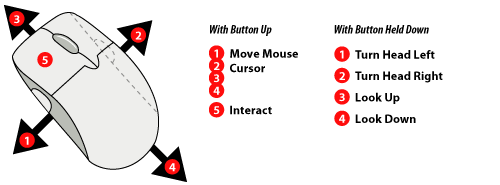
To turn your head and look around, swipe (touch-and-drag) in the main area of the screen (2). Lift your finger to stop moving.
Some objects are interactive or can provide more information - tap on them to bring up a menu of options.
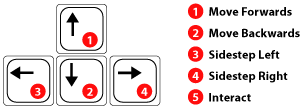
Movement
You use the 'Virtual Direction-Pad (DPAD)' in the bottom-left corner of your screen to move around the scene. Pressing 'Up' will move forwards, 'Down' will move back, and the left and right buttons will allow you to 'side-step' (to move left or right while still looking straight ahead). You can use both the D-Pad and a swipe gesture at the same time to move while turning your head.